
Table of Contents
- Address & Directions
- Arrival
- Departure
- Parking
- House Rules
- Internet
- Heating and Cooling
- TV
- Kitchen
- Trash and Recycling
- Laundry
- Emergency Contacts
- Local Area Guide
Welcome
Address & Directions
House Info
Arrival
Your apartment will be ready after 4pm on the start date of your reservation.
You'll be able to self check-in to the apartment with the unique 4 digit code sent to you through your booking platform.
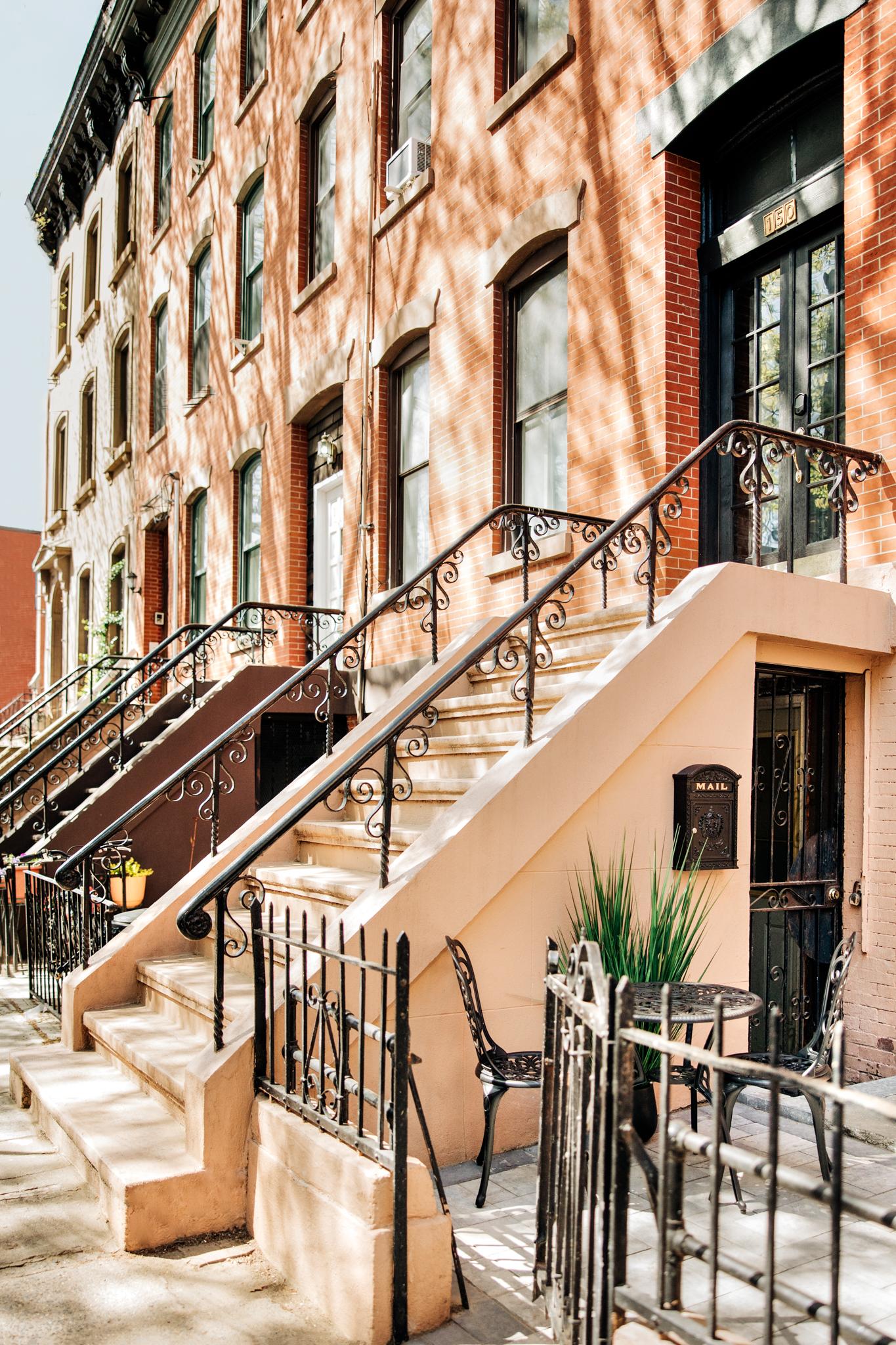
When you arrive, go up the stairs to the black door. The keypad is above the handle. The doors will lock behind you! The light in the entryway will turn on when you enter, and the door to the apartment is to your right as soon as you walk in. Once you enter the apartment, you have complete privacy.
Once you arrive, please do a thorough walk-through and notify us right away is there is anything that needs attention.
We look forward to hosting you during your stay, and please don't hesitate to reach out with any questions!
Departure
Check-out is at 11am.
Before you leave, please:
- No need to make or strip the beds, the cleaner will handle it! Please leave all used beds unmade
- Leave all used towels in the bathroom
- Please wash all dishes and start the dishwasher
- Place all trash in the trash cans
- Close and lock all windows and doors, including the front building door
- Check for all your belongings!
We hope you had an amazing stay!
Parking
You will not need a car if you are just visiting Jersey City and NYC. The street parking is only permitted to residents on weekdays, but non-residents can park up to two hours, Monday - Friday between 5am to 9pm. 9pm to 5am, you can park on the street. Park at your own risk. I have seen tickets given to non residents. On the weekends you can park on the street. There are also parking garages about a half mile away.
For garage parking, two options are:
Columbus Garage, 66 Christopher Columbus Drive, JC, NJ 07302, 201-435-0471. Approximately $28 a day. It’s right next to the Grove Street Path into NYC.
Newport South Garage, 2 Mall Drive East, JC, NJ 07302, 201-626-5641. $29 a day. You can also go to Parking.com for additional parking.
House Rules
Please follow these rules throughout your stay. Failing to do so can incur additional charges:
Smoking
This is a strictly non-smoking building. Please do not smoke anywhere inside your unit or other shared building spaces. Additional cleaning charges will be enforced based on damages, including stain and odor removal.
Events / Noise
There are no parties or events allowed. Please be respectful of our neighbors with noise. If you have a party, your stay will end immediately with no refund and you will be asked to vacate the property.
Shoes
Please remove your shoes in the home. City streets are quite dirty!
Guests
No guests except those included in booking. The person making the booking must be a staying guest.
Pets
There are no pets allowed. If there is evidence of pets inside or outside on the property, we will charge a minimum additional amount equal to the cleaning fee.
Internet
Network: Wilder Co - Mercer St
Password: KnicksAreBack!
Heating and Cooling
Heat is not adjustable by guests. If you would like a significant change in heat temperature, please reach out to me directly so I can update it.
AC downstairs is only adjustable between a preset temperature range. You will not be able to set it higher or lower than the pre-established range.
- For the downstairs AC - spin the Nest thermometer to your desired temperature within the established available range. This range was selected for the safety of the AC system so as not to damage it with temperatures too low.
- For the AC in the kitchen, you can turn it off/on with the power button directly on the unit, or with the remote. Please do not set the the AC lower than 65 as this can damage the unit.
- Please turn off the kitchen AC when you are not in the apartment, and remember to close the windows if the air is on.
- If the AC in the kitchen stops working, please press the RESET button on the outlet, next to the little red light. NOT on the plug from the AC unit, the outlet directly.
TV
This home is BYOP! (bring your own password)
The television is a Google TV and you have the ability to log in to you Netflix, Amazon Prime, Hulu, etc.
Please remember to sign out of all of your apps before you check out.
Kitchen
Your kitchen is well-appointed with standard appliances, plates, glassware, utensils, cooking and baking equipment, and a starter pack of common pantry items.
Please let us know if something is missing or requires replacement.
Coffee: regular coffee maker with filters. There is also a Nespresso machine, with pods in the bowl.
Dishwasher: Dishwasher pods are located under the sink. Please place one pod in tray on the door, choose normal wash, and press start. Press the dishwasher in until clicks and press START.
Trash and Recycling
If you have any trash that you would like to remove from the home during your stay, please tie up the plastic bags with garbage in them and place them in the black garbage bin in the metal shed front of the building. Recycling goes directly into the blue bin.
To find it, walk out of the building and open the black metal gate to your left. There’s a metal shed on the patio. On the left, you will see the black bin is for regular trash. The blue bin is for paper and plastic.
Please place recycling in the BLUE bin and break down any large boxes or packages. No sorting is required.
Laundry
There is a washing machine in the sun room off of the master bedroom.
Laundry detergent pods are provided for you on top of the washer. Please only use ONE pod per wash.
Emergency Contacts
In case of an emergency, dial 911.
There is a fire extinguisher in the bathroom on the top floor. A first-aid kit is available in the bathroom cabinet downstairs.
The closest hospital is:
Jersey City Medical Center
355 Grand St
Jersey City, NJ 07302
201-915-2000